Traveling requires good preparation to avoid unpleasant surprises. Today, online mapping tools have become essential allies for organizing your trips. Whether you’re planning a city getaway or an adventure in nature, these platforms offer practical features for mapping routes, discovering points of interest, and estimating travel times.
To make the most of these tools, you need to know how to use them effectively. From finding the best routes to saving offline maps, optimizing these services can turn a simple trip into a smooth and enjoyable experience.
The essential features of your online mapping tool
Using your online mapping tool can transform your journey into a seamless experience. To achieve this, you need to master certain essential features.
Route planning
Route planners like Google Maps and Via Michelin allow you to plot precise routes in just a few clicks. You can add up to 10 stops, which is particularly useful for trips with multiple destinations. The tool automatically calculates distances and travel times, giving you a clear view of your route.
Offline maps
Offline maps are another essential feature. Download maps of your destination before you leave to avoid issues related to a poor internet connection. This option ensures that you will always have access to the necessary information, even in the most remote areas.
Points of interest and recommendations
Your online mapping tool also offers recommendations for points of interest. Whether you’re looking for restaurants, museums, or parks, these suggestions enhance your trip. The app displays reviews and ratings from other users to help you make informed choices.
- Landmarks: Discover historical monuments and iconic sites.
- Restaurants: Find the best local addresses.
- Hotels: Choose from available accommodation options.
Route optimization
While Google Maps is used for personal travel, it does not offer advanced optimization for commercial tours. For businesses, specialized tools are necessary to maximize the efficiency of delivery routes or field services. 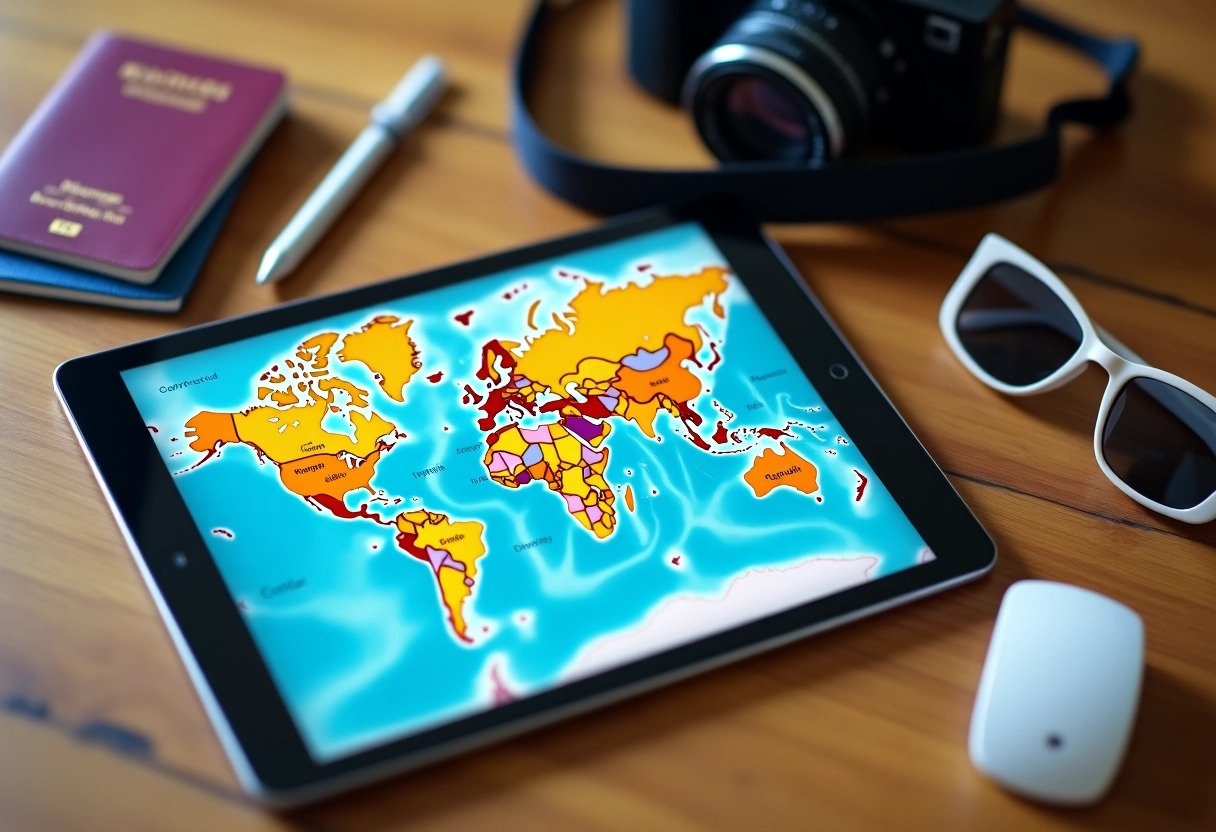
Optimize your route for a stress-free trip
For a stress-free journey, optimizing your route is fundamental. Start by using a route planner like Google Maps, which allows you to customize your trips by adding up to 10 stops.
Strategic use of stops
By adding strategic stops, you can not only discover interesting landmarks but also optimize your travel time. Here’s how:
- Plan your breaks: Incorporate stops to rest or visit iconic places.
- Avoid peak hours: Adjust your route to avoid traffic jams.
Custom maps
Create custom maps to better visualize your journey. These maps can include points of interest, restaurants, and hotels, allowing you to plan your stops optimally.
Optimization for commercial tours
While Google Maps is excellent for personal travel, it does not provide advanced optimization for commercial tours. For businesses, specialized tools are necessary to maximize the efficiency of delivery routes or courier services. Consider dedicated solutions to avoid unnecessary detours and reduce operational costs.
Offline usage
Download maps of your destination before you leave. This feature is particularly useful in rural areas or countries where internet connectivity may be unstable. This way, you will always have access to essential information, even without a connection.