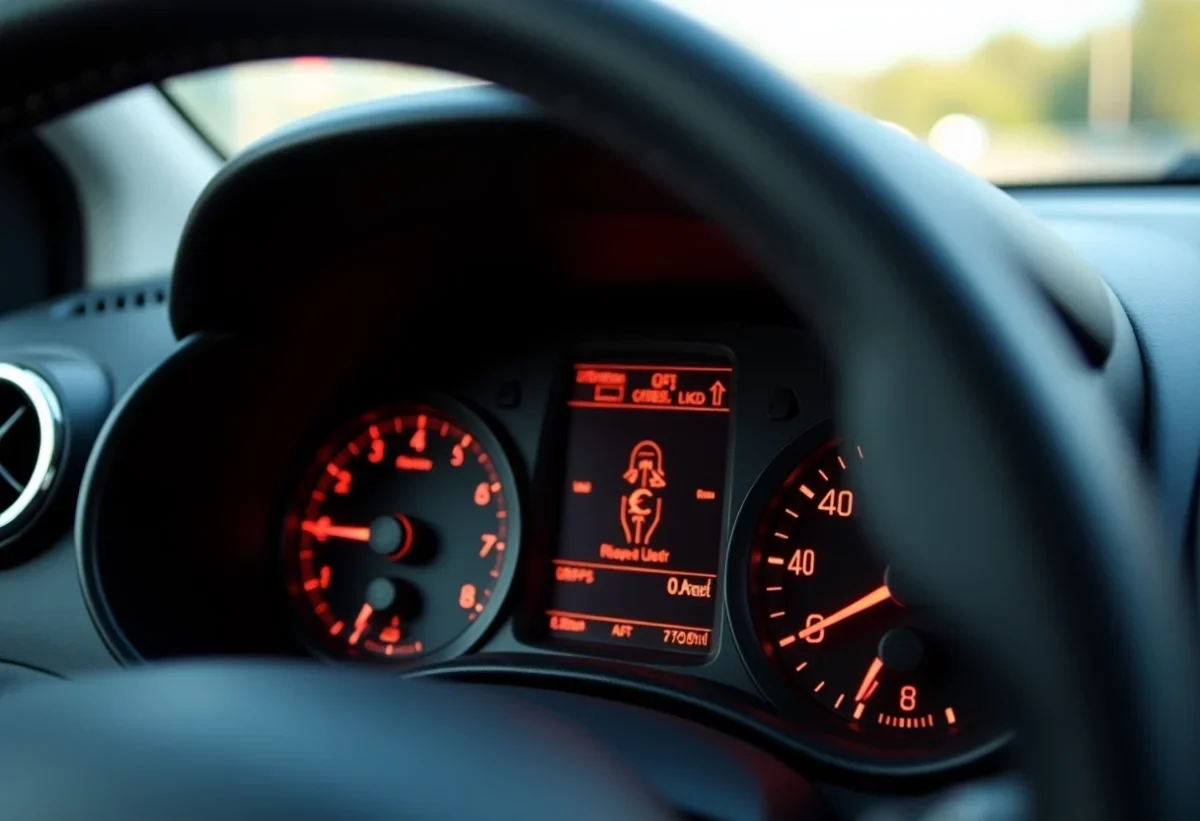
Twingo drivers know how important it is to understand the messages displayed on the dashboard. When a light comes on, it can sometimes cause concern. Some alerts are benign, like low fuel level, while others may signal more serious issues, such as a braking system failure.
Correctly interpreting these signals is fundamental to keeping the vehicle in good condition and ensuring safety. A basic knowledge of the icons and messages allows for quick identification of issues and taking the necessary steps to resolve them.
Understanding the Dashboard Lights of the Twingo
The lights on the Twingo play an essential role in monitoring the various systems of the vehicle. When a light comes on, it is imperative to understand its meaning to avoid any potential problems.
Main Lights
- Orange Light: often related to a low fuel, engine oil, or coolant level alert. It can also indicate a problem with the brake pads or the particulate filter.
- Wrench Light: indicates that the vehicle needs periodic maintenance. This light typically comes on after a predefined mileage or a specific duration of use.
Appropriate Reactions
The driver must react according to the alert given by the dashboard. For example, an orange light may signal a minor or major issue. Vigilance is required.
Diagnosis and Resolution
To diagnose and resolve issues related to the lights on the Twingo, use an electronic diagnostic tool connected to the vehicle’s OBD port. This tool allows you to read error codes and determine the exact source of the problem. In case of doubt, consult a qualified professional.

Steps and Tips for Resolving Dashboard Issues
Using a Diagnostic Tool
To diagnose problems on the dashboard of the Renault Twingo 3, connect an electronic diagnostic tool to the vehicle’s OBD port. This instrument allows you to read error codes and determine the source of the problem. Here are the steps to follow:
- Locate the OBD port, usually found under the dashboard.
- Connect the diagnostic tool and follow the displayed instructions.
- Note the error codes and consult the tool’s manual to interpret the results.
Interpreting the Results
The error codes provided by the diagnostic tool can indicate various issues, such as:
- Tyre pressure issue: check and adjust the pressure.
- Low fuel or engine oil level: refill as recommended.
- Worn brake pads: consider immediate replacement.
Consulting a Professional
If you have doubts about interpreting the results or if problems persist, consult a professional. A qualified technician can perform more thorough checks and resolve complex issues. Periodic maintenance remains essential to maintain your vehicle’s performance and safety.